
How to Play Brave Frontier Legion on PC: Emulator Status
Brave Frontier Legion has no native PC client as of Nov 2026. Check official Android/iOS status, BlueStacks vs. LDPlayer notes, and jp.scbf.gl setup.
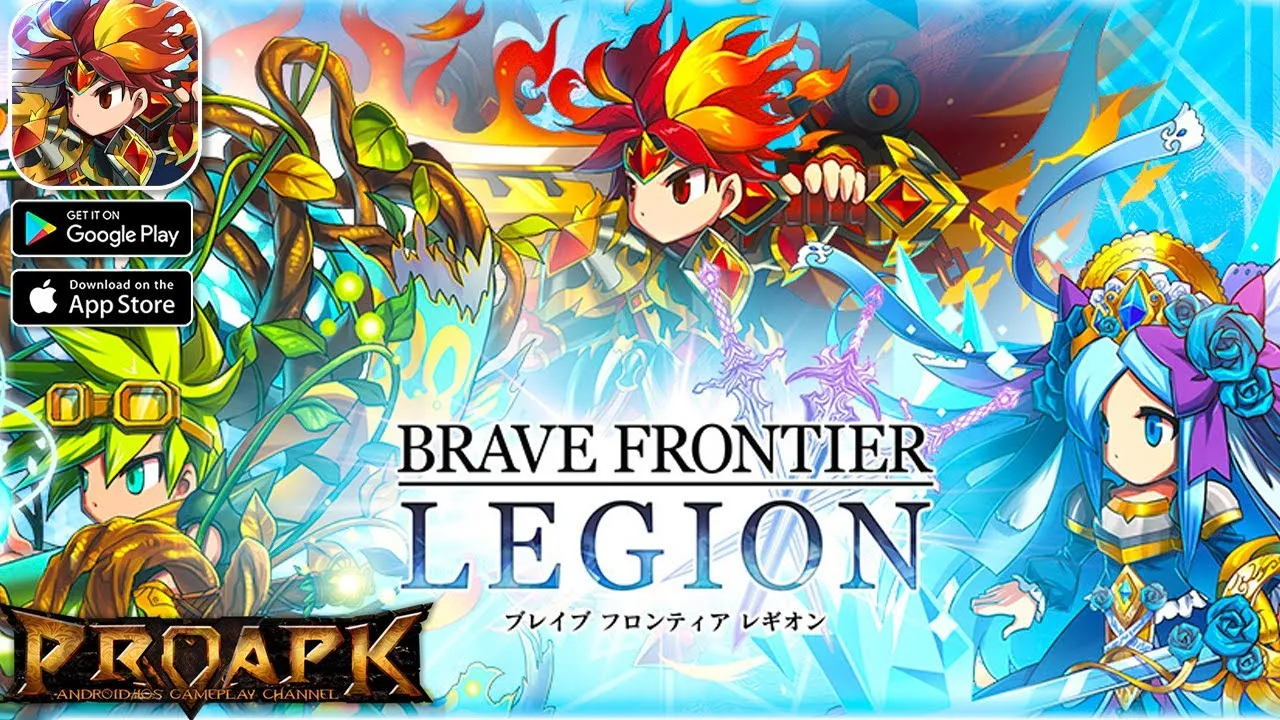
As of 2026-11-28, there is no native Windows port or official desktop launcher to play Brave Frontier Legion on PC. Developer and operator GrandSoft distributes the mobile RPG exclusively for Android through the Google Play Store (published by Alpse under ALPSE PTE. LTD., package jp.scbf.gl) and for iOS via the Apple App Store.
Desktop players wanting to run the Android build on a larger monitor have turned to BlueStacks following community reports of LDPlayer crashes after the 2026-11-27 global launch. However, neither GrandSoft nor Alpse provides official Android emulator support, and no verified BlueStacks instance or graphics configuration has been confirmed in official documentation as of 2026-11-28.
Official PC Availability and Global Client Verification
According to GrandSoft’s official How to Play guide on bf-legion.jp, Brave Frontier Legion (BF Legion / ブレフロL) debuted in Japan on July 22, 2025, and launched globally on 2026-11-27. Both GrandSoft’s English portal and the global customer support site list only iOS and Android as supported download channels as of 2026-11-28, with no standalone PC build or Google Play Games for PC listing announced; see our global release date breakdown for regional launch details.
Before attempting to download Brave Frontier Legion on PC inside an Android environment, confirm that you are installing the genuine GrandSoft release rather than a lookalike app or fake desktop installer. This 10v10 mobile RPG spin-off is separate from the shut-down original Brave Frontier and unauthorized fan projects—review our guide on whether Brave Frontier Legion is official to check developer and publisher credentials before linking any account.
| Client Attribute | Verified Global Specification | Desktop Setup Impact |
|---|---|---|
| Official Platforms (as of 2026-11-28) | Android (Google Play) and iOS (App Store) | Any standalone .exe installer advertised on third-party sites is unofficial |
| Android Package ID | jp.scbf.gl (iOS App ID: id6790776425) |
Match this exact package ID when searching Google Play on an Android setup |
| Developer & Publisher | GrandSoft (developer/operator) / ALPSE PTE. LTD. (Google Play publisher) | Confirms the authentic global client (app_info@alpse-studio.com) |
| Release Dates | Japan: July 22, 2025; Global: 2026-11-27 (Play Store updated Nov 11, 2026) | Global and Japanese editions share identical core game systems |
| Server Architecture | Shared Global & JP Server on JST (UTC+9) |
Desktop players must convert in-game UTC+9 battle schedules to local time |
| Supported Global Languages | English, Japanese, French, German, Italian, Spanish, Traditional Chinese, Brazilian Portuguese, Thai, Simplified Chinese | Official notices publish in English and Japanese; some UI text/images are English-only |
BlueStacks Setup vs. LDPlayer Crashes: What Is Confirmed
Players testing Android emulators around global launch reported client crashes in LDPlayer, prompting many Summoners to try running Brave Frontier Legion in BlueStacks instead. As of 2026-11-28, neither GrandSoft nor Alpse has published emulator compatibility guidelines or verified BlueStacks settings for Android OS instances, CPU/RAM allocation, or graphics renderers. Because official customer support covers mobile hardware, running jp.scbf.gl inside BlueStacks remains an unverified workaround that can break when new patches deploy.
If you test the client inside BlueStacks on your own PC, install jp.scbf.gl directly from the built-in Google Play Store listing under ALPSE PTE. LTD. rather than downloading third-party desktop wrappers. When a virtual Play Store profile displays device-compatibility blocks or store restrictions, follow our Android APK download guide to check unmodified package details instead of installing tampered files that can trigger startup crashes.
Because no official emulator preset exists, crash behavior can change from update to update on the shared server. Before deleting a virtual instance and risking local session data, compare recent stability reports and peer troubleshooting notes via our Brave Frontier Legion Discord community guide to check whether crashes come from an emulator setting or a live client patch.

BRAVE FRONTIER LEGION Gameplay Android / iOS (Official Launch)
Configuring Shared JST Server Time, Languages, and Launch Progress
Once the global Android build (jp.scbf.gl) boots—whether on mobile hardware or a working desktop Android setup—initial configuration follows the exact same server rules because global and Japanese players occupy one unified realm. Complete these verified steps after first launch:
- Set your preferred UI language: The global app supports 10 languages: English, Japanese (
日本語), French, German, Italian, Spanish, Traditional Chinese, Brazilian Portuguese, Thai, and Simplified Chinese. Certain in-game text strings and images appear only in English, while official news notices are provided in Japanese and English. - Align your PC clock with Japan Standard Time (
JST, UTC+9): All server resets and scheduled battles run onUTC+9. Adding aJSTclock widget on Windows helps prevent missed match windows across time zones. - Finish the tutorial and claim launch bonuses: Complete the opening quests and beginner missions to unlock core features, earn starter units, and collect launch items covered in our pre-registration and launch rewards guide. Participating in Legion Battles also ties into the Google Play launch promotion featuring up to 1,000 Summons.
- Safeguard your account before changing environments: Google Play’s Data Safety listing notes that data is encrypted in transit and the app contains ads plus optional random-item purchases, so never wipe an unstable emulator instance before confirming your Summoner data is recoverable.
Desktop vs. Mobile Stability Across Gameplay Modes
Whether an unverified PC setup is practical depends on which activity you are queuing into. Brave Frontier Legion pairs fast-paced, simple touch combat with streamlined roster progression: upgrading Level Slots automatically applies each slot’s level to newly assigned units without leveling them from scratch, duplicate copies power Evolution to raise stats and skills, and specific unit pairings unlock Combinations across eight elements (Fire, Water, Earth, Thunder, Light, Dark, Phantom, and Overlord—detailed in our Brave Frontier Legion beginner guide).
Solo progression handles an unexpected client restart gracefully, whereas real-time multiplayer punishes disconnects immediately. In a 10v10 Legion Battle, up to 10 teammates per side use chat and stamps to coordinate attacks on the opposing Legion’s core HP while defending their own core and managing morale. Typing callouts on a physical keyboard is handy on desktop, but keeping the app installed on an Android or iOS phone ensures an emulator crash never leaves your squad short-handed during scheduled JST matches.
| In-Game Activity | Core Mechanics & Controls | Unverified Emulator Crash Impact |
|---|---|---|
| Tutorial, Beginner Missions & Main Quests | Solo quest progression, upgrading Level Slots, unit Evolution, Combinations, and 8-element lineup adjustments | Low impact; safest place to test BlueStacks stability on your PC before joining live group battles |
| 10 vs 10 Legion Battles | Scheduled team clashes (up to 10 players per side), core HP offense/defense, morale management, and chat/stamps | High impact; crashing during a scheduled JST match leaves 9 Legionmates at an immediate disadvantage |
| Cooperative Raid Battles | Legion boss fights where follow-up attacks inside the active combo window stack combo damage multipliers | Moderate to high impact; slow reloads or freezes cause you to miss tight team combo windows |
FAQ
Does Brave Frontier Legion have an official Windows PC or Steam version?
No. As of 2026-11-28, GrandSoft officially distributes Brave Frontier Legion exclusively as a mobile RPG on Android (Google Play) and iOS (App Store). Neither bf-legion.jp nor Alpse lists a native Windows executable, Steam release, or Google Play Games for PC client.
Are there verified BlueStacks settings to stop crashes on PC?
No verified or developer-approved BlueStacks settings have been confirmed as of 2026-11-28. Although players turned to BlueStacks to run the jp.scbf.gl Android client after reporting LDPlayer crashes at global launch, GrandSoft does not officially support Android emulators, making mobile devices the only guaranteed stable platform for 10v10 matches.
Do players running the Android app on PC share servers with mobile and JP users?
Yes. Running the official global Google Play package (jp.scbf.gl) connects to the same shared server used by iOS, Android, and Japanese edition (ブレフロL) Summoners. Every scheduled Legion Battle and cooperative raid follows Japan Standard Time (JST, UTC+9) regardless of which device you log in from.
Related Articles
fixes
How to Change Language to English in Brave Frontier Legion
Learn how English support works in Brave Frontier Legion, how to verify you have the global client, and why some notices still show Japanese.
platforms
Brave Frontier Legion APK Download & Android Install Guide
Official Android download status for Brave Frontier Legion (jp.scbf.gl), APK and QooApp availability facts, and regional Google Play checks.
platforms
Brave Frontier Legion Download Guide for iOS & Android
Get verified Google Play and App Store links to download Brave Frontier Legion, plus iOS 15+ specs, 320.7 MB size, languages, and JST server info.
Was this helpful?
Thanks for the feedback!