
How to Change Language to English in Brave Frontier Legion
Learn how English support works in Brave Frontier Legion, how to verify you have the global client, and why some notices still show Japanese.
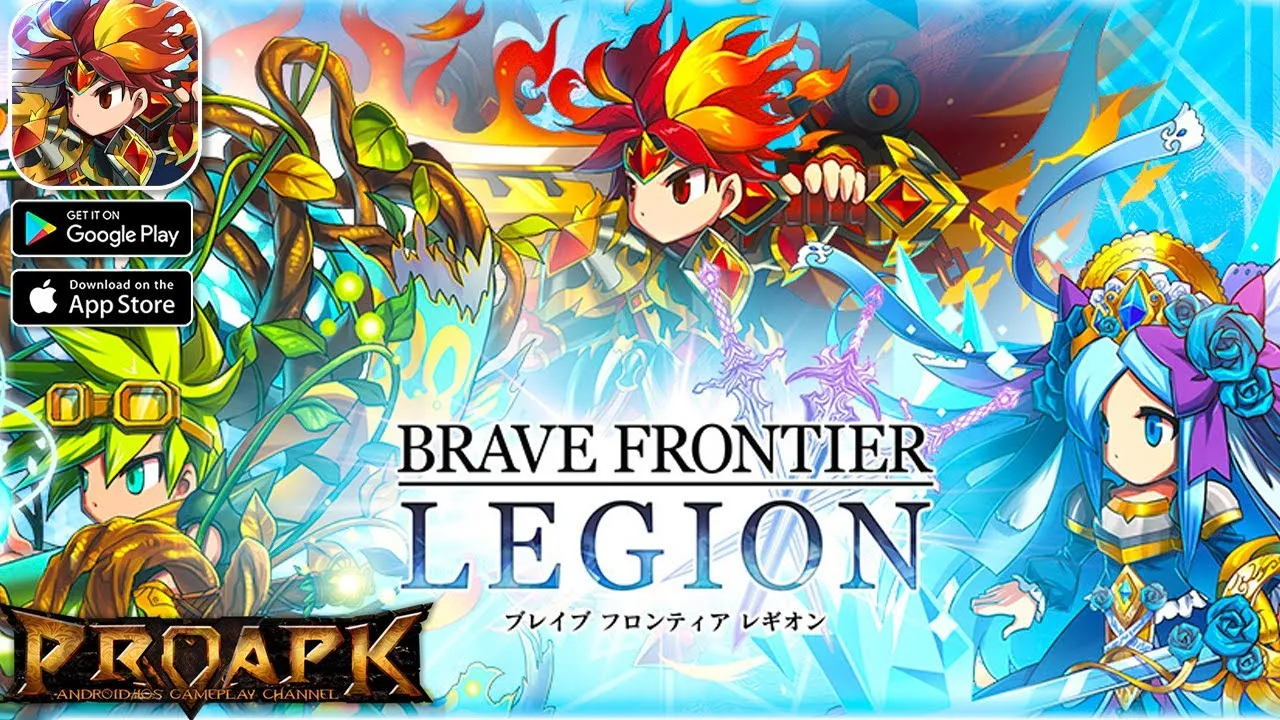
Changing the language to English in Brave Frontier Legion requires installing the official global version of the app rather than the standalone Japanese client, so no third-party English patch is needed. As of 2026-11-28, GrandSoft confirms native English support across the global edition, though its official guides do not yet publish exact Japanese button labels for switching a global build that boots into Japanese by default.
Verifying the Global English Version and Troubleshooting Menus
Because Brave Frontier Legion is a separate GrandSoft mobile RPG spin-off—distinct from the original Brave Frontier—it operates through two regional app releases that connect to one backend. According to the official How to Play guide, the Japanese edition launched on July 22, 2025, whereas the multi-language global edition launched on 2026-11-27. If you installed the older Japanese app, review our worth playing overview and switch to the global build to access English localization alongside eligible launch bonuses covered in our pre-registration rewards guide.
Before troubleshooting a Japanese-language screen, verify your client installation and support options:
- Confirm the global store package: Download the global client from the Google Play store listing (package ID
jp.scbf.gl) on Android or the Apple App Store page published under Alpse (ALPSE PTE. LTD.) on iOS. - Check unconfirmed UI toggle paths: As of 2026-11-28, neither
bf-legion.jpnor the official support index documents the exact title-screen or settings-menu button path to toggle languages manually when a global install defaults to Japanese. - Rule out patch locks or client errors: If menus fail to respond or text fails to load during an update window, check the server maintenance status, consult our crash and performance fix guide, or submit a ticket under
Login, AccountorReport an unresolved issueon the Brave Frontier Legion Global Support portal.

BRAVE FRONTIER LEGION Gameplay Android / iOS (Official Launch)
Official Supported Languages and App Store Tag Differences
Players checking iOS storefront details often assume English is missing because the US App Store sidebar only tags five languages (French, Japanese, Simplified Chinese, Spanish, and Traditional Chinese). Do not rely on that truncated store tag alone: GrandSoft’s official English website and beginner documentation confirm that the global version supports 10 languages in total, including English.
| Global Client Detail | Official Specification (As of 2026-11-28) |
|---|---|
| Global Release Date | 2026-11-27 (follows the 2025-07-22 Japanese launch) |
| Official Store Identifiers | Android package jp.scbf.gl; iOS App ID id6790776425 (ALPSE PTE. LTD.) |
| Confirmed Display Languages (10) | English, Japanese, French, German, Italian, Spanish, Traditional Chinese, Brazilian Portuguese, Thai, Simplified Chinese |
| Untranslated / Fixed Assets | Some in-game text and images appear in English only across non-English locales |
| Official Notices | Published in both Japanese and English |
| Server Region & Clock | Shared Global and Japanese server running on Japan Standard Time (JST, UTC+9) |
Why Japanese Text Still Appears After Switching to English
Even when your global client runs in English, you will still encounter Japanese text during daily play because Japanese and global Summoners share one unified server. English localization covers core progression menus—making it straightforward to upgrade Level Slots, evolve duplicate units, activate roster bonuses in our unit Combinations guide, and track beginner mission rewards alongside our F2P progression guide.
Shared-server features remain bilingual by design. Official announcements distribute in both Japanese and English, and all event timers—including 10v10 Legion Battle start windows and cooperative raid bosses—follow Japan Standard Time (JST, UTC+9) rather than your phone’s local clock. Because Japanese and global accounts can join the same Legions, you will also see Japanese player names, chat messages, and stamps when coordinating core defense or raid combos.
FAQ
Does Brave Frontier Legion require an unofficial English patch?
No. GrandSoft’s global edition launched on 2026-11-27 on Google Play and the Apple App Store with native support for 10 languages, including English. If your client lacks multi-language support, verify that you installed the global release rather than the July 22, 2025 Japanese app.
Why are some notices and UI elements in English only or Japanese?
Official documentation confirms that in-game notices are published in both Japanese and English, while certain in-game text strings and image assets are available only in English even when another supported language is active.
Do English and Japanese players share the same Brave Frontier Legion server?
Yes. Both the Japanese and global apps connect to one shared server operating on Japan Standard Time (JST, UTC+9), so convert scheduled 10v10 Legion Battle start times to your local time zone before joining a match.
Related Articles
platforms
Brave Frontier Legion APK Download & Android Install Guide
Official Android download status for Brave Frontier Legion (jp.scbf.gl), APK and QooApp availability facts, and regional Google Play checks.
platforms
How to Play Brave Frontier Legion on PC: Emulator Status
Brave Frontier Legion has no native PC client as of Nov 2026. Check official Android/iOS status, BlueStacks vs. LDPlayer notes, and jp.scbf.gl setup.
fixes
Brave Frontier Legion Server Reset Time & Time Zone
Brave Frontier Legion uses Japan Standard Time (JST, UTC+9) on its shared server. Convert JST to your local time for battles and daily timers.
Was this helpful?
Thanks for the feedback!