
Brave Frontier Legion APK Download & Android Install Guide
Official Android download status for Brave Frontier Legion (jp.scbf.gl), APK and QooApp availability facts, and regional Google Play checks.
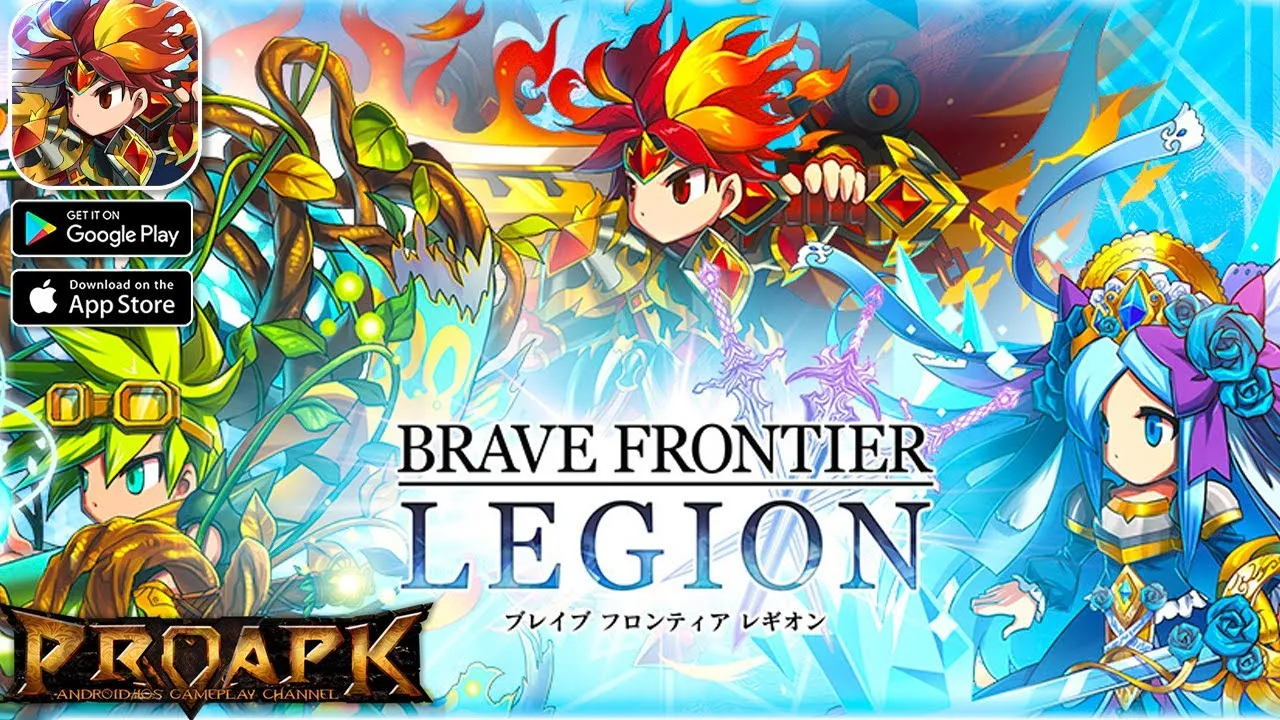
As of 2026-11-28, there is no standalone Brave Frontier Legion APK download hosted on bf-legion.jp, and neither developer GrandSoft nor publisher Alpse (ALPSE PTE. LTD.) has confirmed an official QooApp release. Following the November 27, 2026 global launch, the authentic multi-language Android client (jp.scbf.gl) distributes exclusively through the Google Play Store, alongside the iOS version on the Apple App Store.
Android players in regions where Google Play displays a “not available in your country” restriction often check QooApp or third-party mirrors to sideload the app. Because this game runs both a 2025 Japanese client and a 2026 global multi-language client on one shared server, verifying exact package identifiers before installing prevents grabbing the wrong regional build or an unrelated franchise project.
Official Android Storefront Details and Package Verification
GrandSoft develops and operates Brave Frontier Legion, while Singapore-based Alpse (ALPSE PTE. LTD.) publishes the global Android package on Google Play under bundle identifier jp.scbf.gl. Google Play records November 11, 2026 as the Official Launch client update date prior to the November 27, 2026 service opening documented in our Global Release Date overview. Neither bf-legion.jp nor the official support portal provides a direct .apk or .xapk file for manual installation.
| Specification | Verified Global Release Detail |
|---|---|
| Official App Title | BRAVE FRONTIER LEGION |
| Android Package ID | jp.scbf.gl via Google Play |
| iOS App ID | id6790776425 via App Store |
| Developer & Operator | GrandSoft |
| Google Play Publisher | Alpse (ALPSE PTE. LTD., Singapore) |
| Global Launch Date | 2026-11-27 (Play Store build updated 2026-11-11) |
| Rating & Monetization | Teen; free-to-play with ads and random-item in-app purchases |
| Standalone APK / QooApp Status | Unconfirmed as of 2026-11-28; official app stores only |
Confirming those publisher details also prevents franchise mix-ups on external download directories. As documented in the official How to Play guide, GrandSoft built this title as a separate mobile RPG spin-off centered on 10v10 Legion Battle clashes, cooperative boss raids, and Level Slots unit growth—not a re-release of the shutdown 2013 original Brave Frontier or a fan-made revival. Any third-party installer advertising offline classic account recovery belongs to a different project entirely.
Handling Google Play Region Locks and Sideload Risks
In the official FAQ on bf-legion.jp, GrandSoft notes that while the global edition shares core content with Japan, regional store availability is announced separately by territory. When your Google Play account is tied to an unsupported territory, the storefront replaces the Install button with a country restriction notice. If you hit that regional block on Android, work through these checks before turning to external files:
- Test the direct store package link first: Open the Google Play listing for
jp.scbf.glwhile signed into your active Google account to verify whether installation is restricted by region or simply omitted from local store search results. - Audit bundle strings on third-party catalogs: Because neither GrandSoft nor Alpse endorses QooApp or APK mirrors as of 2026-11-28, anyone inspecting a community-mirrored installer should verify that it carries the exact
jp.scbf.glpackage ID and an unalteredALPSE PTE. LTD.signature. - Reject modified or patched builds: Tampered
.apkpackages strip away Play Store integrity checks and risk permanent account penalties on the live online server. - Check alternate supported platforms: Players with an iPhone or iPad can install from the Apple App Store, while desktop players can review supported Android configurations in our Play on PC Guide.
Sideloading and Update Pitfalls: Installing outside Google Play disables automatic patch delivery. Whenever GrandSoft pushes a mandatory client update past the November 11, 2026 launch build, sideloaded copies cannot update through Google Play if your account remains region-locked. Google Play’s Data Safety disclosure also confirms the official client encrypts data in transit and routes account or data-deletion support through support.gl.bf-legion.jp and
app_info@alpse-studio.com—safeguards that unverified mirrors cannot guarantee.

BRAVE FRONTIER LEGION Gameplay Android / iOS (Official Launch)
Global Client (jp.scbf.gl) vs. Japanese Edition Packages
Third-party Android catalogs such as QooApp routinely list multiple regional builds under the same series name, creating an easy version trap. GrandSoft launched the domestic Japanese edition (ブレフロL) on July 22, 2025, whereas the global edition went live on November 27, 2026. Installing the 2025 Japanese package instead of jp.scbf.gl locks your client menus and store billing to the Japanese app even though both versions connect to one shared server.
| Client Feature | Japanese Edition | Global Edition (jp.scbf.gl) |
|---|---|---|
| Initial Release Date | 2025-07-22 | 2026-11-27 |
| Core Gameplay & Systems | Full parity (units, raids, 10v10 battles) | Shares identical core content with JP |
| Server Architecture | Shared global/JP server (JST, UTC+9) |
Shared global/JP server (JST, UTC+9) |
| Supported UI Languages | Japanese | 10 languages (including English) |
| In-Game Notices | Japanese | Japanese and English |
Selecting the jp.scbf.gl global package unlocks built-in support for 10 languages: English, Japanese (日本語), French (Français), German (Deutsch), Italian (Italiano), Spanish (Español), Traditional Chinese (繁體中文), Brazilian Portuguese (Português (Brasil)), Thai (ไทย), and Simplified Chinese (简体中文). GrandSoft notes that certain in-game text and images appear in English only, while news notices publish in Japanese and English. If your client boots in another locale after setup, follow our Change Language to English guide.
First-Boot Checks, Server Sync, and Launch Setup
Because Brave Frontier Legion requires a constant online connection, login errors right after installing on Android typically point to scheduled server maintenance rather than a corrupted download. Before clearing app data or reinstalling your package, check bilingual notices on the official English website or verify live server uptime on our Maintenance status page.
Once you reach the home screen, check your server clock alignment immediately. Because global and Japanese summoners play together on one server running on Japan Standard Time (JST, UTC+9), daily schedules and 10v10 Legion Battle match times follow Tokyo hours rather than your phone’s local clock. Convert your battle slots using our Server Reset Time reference so you can coordinate core defense with teammates and work toward Google Play’s launch promotion offering up to 1,000 Summons through Legion Battles.
Completing the opening sequence also confirms your Android build is synced properly with the shared server. Finishing the tutorial, claiming beginner mission rewards, joining a Legion, and upgrading Level Slots—where newly assigned units inherit the slot’s level automatically instead of starting from level one—verifies full account functionality; see our Beginner Guide for early squad priorities once your install is running.
FAQ
Is Brave Frontier Legion free to play on Android and iOS?
Yes, the official global app on Google Play (jp.scbf.gl) and the Apple App Store (id6790776425) is free to download and play. Google Play assigns the title a Teen rating, noting that the client contains ads and optional in-app purchases that include random items.
Does the global edition have different gameplay from the Japanese app?
No, the global release shares identical core gameplay systems, unit evolution, cooperative raids, and 10v10 battles with the Japanese edition that launched on July 22, 2025. Installing the November 27, 2026 global package simply adds 10-language UI support alongside Japanese and English in-game notices.
Do Japanese and global players share the same server?
Yes, both the Japanese and global apps connect to a single shared server operating on Japan Standard Time (JST, UTC+9). Regardless of whether you install on Android or iOS, convert JST match schedules to your local time zone before joining scheduled Legion Battles.
Related Articles
platforms
How to Play Brave Frontier Legion on PC: Emulator Status
Brave Frontier Legion has no native PC client as of Nov 2026. Check official Android/iOS status, BlueStacks vs. LDPlayer notes, and jp.scbf.gl setup.
fixes
How to Change Language to English in Brave Frontier Legion
Learn how English support works in Brave Frontier Legion, how to verify you have the global client, and why some notices still show Japanese.
fixes
Brave Frontier Legion Server Reset Time & Time Zone
Brave Frontier Legion uses Japan Standard Time (JST, UTC+9) on its shared server. Convert JST to your local time for battles and daily timers.
Was this helpful?
Thanks for the feedback!